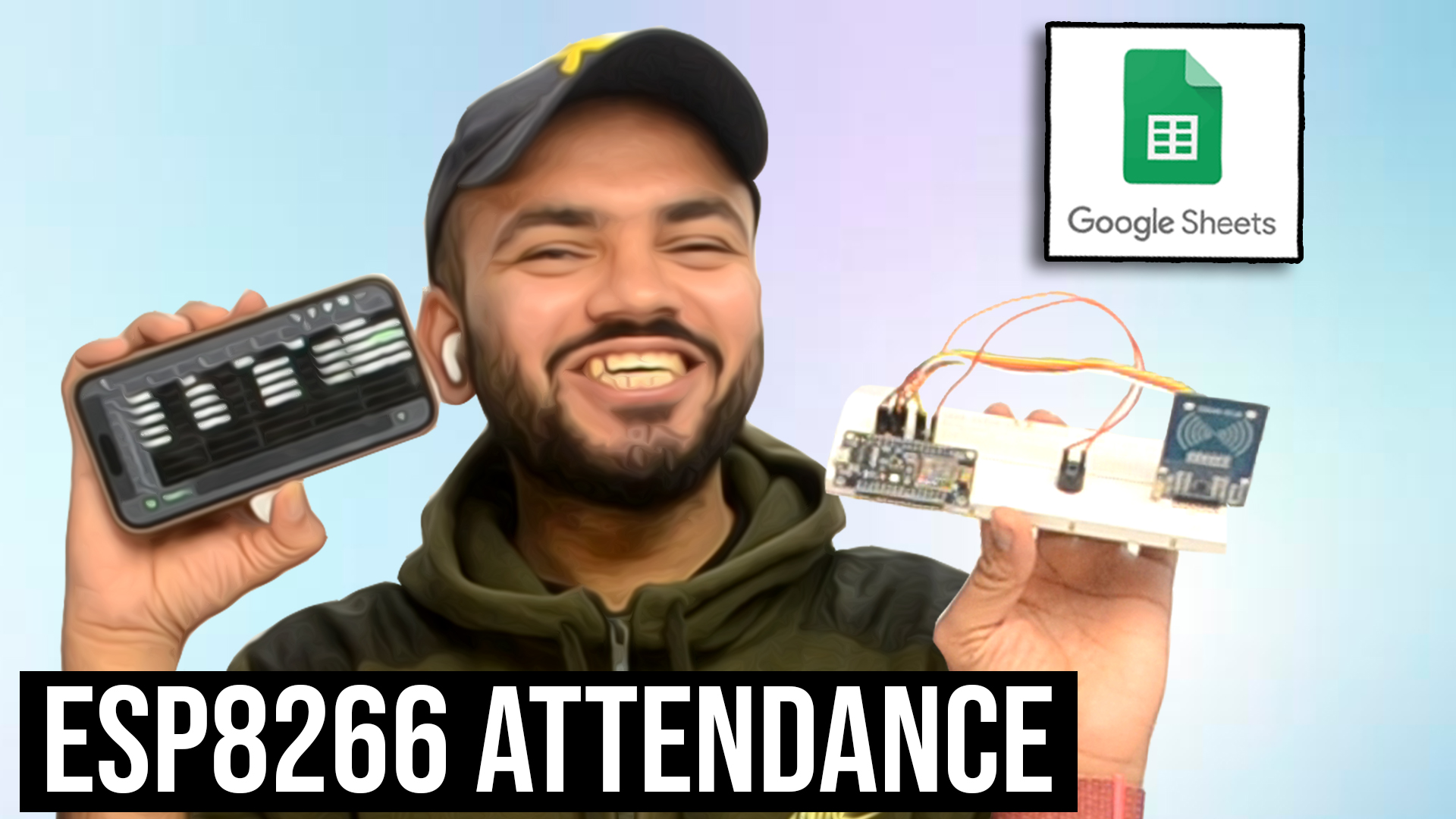
RFID-Based Student Attendance System Using ESP8266 & Google Sheets
📦 Full Project Combo
Link to buy Full Combo :- Click here
Link to buy Full Coded Combo :- Will be updated soon
📚 Required Libraries
Download and install the following libraries before uploading the code:
<ESP8266WiFi.h><WiFiClientSecure.h><SPI.h><MFRC522.h>
📄 Google Apps Script Code
Download Circuit Diagram :- Click Here
Copy and paste the following code in:
Google Sheets → Extensions → Apps Script
|
1 2 3 4 5 6 7 8 9 10 11 12 13 14 15 16 17 18 19 20 21 22 23 24 25 26 27 28 29 30 31 32 33 34 35 36 37 38 39 |
function doGet(e) { if (!e || !e.parameter) { return ContentService.createTextOutput("No parameters"); } const sheet = SpreadsheetApp.getActiveSpreadsheet().getSheetByName("Sheet1"); const name = e.parameter.name; const uid = e.parameter.uid; const now = new Date(); const tz = "Asia/Kolkata"; const today = Utilities.formatDate(now, tz, "yyyy-MM-dd"); const time = Utilities.formatDate(now, tz, "HH:mm:ss"); const data = sheet.getDataRange().getValues(); let status = "STUDENT ENTERED"; // Scan from bottom (latest entry first) for (let i = data.length - 1; i > 0; i--) { const rowUID = data[i][1]; const rowDate = Utilities.formatDate(new Date(data[i][2]), tz, "yyyy-MM-dd"); const rowStatus = data[i][4]; if (rowUID === uid && rowDate === today) { status = (rowStatus === "STUDENT ENTERED") ? "STUDENT EXITED" : "STUDENT ENTERED"; break; } } sheet.appendRow([name, uid, today, time, status]); return ContentService.createTextOutput(status); } |
🔧 Arduino UNO / ESP8266 Code
Upload this code to your ESP8266 board using Arduino IDE.
|
1 2 3 4 5 6 7 8 9 10 11 12 13 14 15 16 17 18 19 20 21 22 23 24 25 26 27 28 29 30 31 32 33 34 35 36 37 38 39 40 41 42 43 44 45 46 47 48 49 50 51 52 53 54 55 56 57 58 59 60 61 62 63 64 65 66 67 68 69 70 71 72 73 74 75 76 77 78 79 80 81 82 83 84 85 86 87 88 89 90 91 92 93 94 95 96 97 98 99 100 101 102 103 104 105 106 107 108 109 110 111 112 113 114 115 116 117 118 119 120 121 122 123 124 125 126 127 128 129 130 131 132 133 134 135 136 137 138 139 140 141 142 143 144 145 146 147 148 |
#include #include #include #include // -------- RFID Pins -------- #define SS_PIN D2 #define RST_PIN D1 // -------- Buzzer Pin -------- #define BUZZER_PIN D0 MFRC522 mfrc522(SS_PIN, RST_PIN); // -------- WiFi Credentials -------- const char* ssid = "Harsh Home"; const char* password = "ngfetball"; // -------- Google Script -------- const char* host = "script.google.com"; String GAS_ID = "AKfyczlJTa6tq_tZhQNwDPATD33N37PkIrxl1MiF5Q"; // -------- UID → NAME MAPPING -------- String getStudentName(String uid) { if (uid == "c375ffec") return "HARSH"; if (uid == "83a07aec") return "Ananya"; if (uid == "2387d312") return "Suresh"; return "Unknown Student"; } // -------- Buzzer Functions -------- void beepBuzzer(int durationMs) { digitalWrite(BUZZER_PIN, HIGH); delay(durationMs); digitalWrite(BUZZER_PIN, LOW); } void doubleBeep() { beepBuzzer(120); delay(120); beepBuzzer(120); } void setup() { Serial.begin(9600); delay(1000); // -------- Buzzer -------- pinMode(BUZZER_PIN, OUTPUT); digitalWrite(BUZZER_PIN, LOW); // -------- SPI & RFID -------- SPI.begin(); mfrc522.PCD_Init(); if (mfrc522.PCD_PerformSelfTest()) { Serial.println("RFID module detected ✅"); } else { Serial.println("RFID module NOT detected ❌"); } // -------- WiFi -------- Serial.print("Connecting to WiFi"); WiFi.begin(ssid, password); while (WiFi.status() != WL_CONNECTED) { delay(500); Serial.print("."); } Serial.println("\nWiFi connected ✅"); Serial.print("IP Address: "); Serial.println(WiFi.localIP()); // 🔊 Ready indication at startup doubleBeep(); } void loop() { if (!mfrc522.PICC_IsNewCardPresent()) return; if (!mfrc522.PICC_ReadCardSerial()) return; // 🔊 1 beep → card scanned beepBuzzer(150); String uid = ""; for (byte i = 0; i < mfrc522.uid.size; i++) { uid += String(mfrc522.uid.uidByte[i], HEX); } uid.toLowerCase(); Serial.print("Card detected UID: "); Serial.println(uid); String name = getStudentName(uid); Serial.print("Student Name: "); Serial.println(name); sendToGoogle(uid, name); mfrc522.PICC_HaltA(); delay(3000); // wait before next scan // 🔊🔊 Ready for next card doubleBeep(); } // -------- Helper Functions -------- String urlEncode(String str) { str.replace(" ", "%20"); return str; } void sendToGoogle(String uid, String name) { WiFiClientSecure client; client.setInsecure(); Serial.println("Sending data to Google Sheets..."); if (!client.connect("script.google.com", 443)) { Serial.println("Connection failed ❌"); return; } String url = "/macros/s/" + GAS_ID + "/exec?uid=" + uid + "&name=" + urlEncode(name); client.print(String("GET ") + url + " HTTP/1.1\r\n" + "Host: script.google.com\r\n" + "User-Agent: ESP8266\r\n" + "Connection: close\r\n\r\n"); while (client.connected()) { String line = client.readStringUntil('\n'); if (line == "\r") break; } Serial.print("Server Response: "); while (client.available()) { Serial.println(client.readStringUntil('\n')); } Serial.println("Done ✅\n"); } |